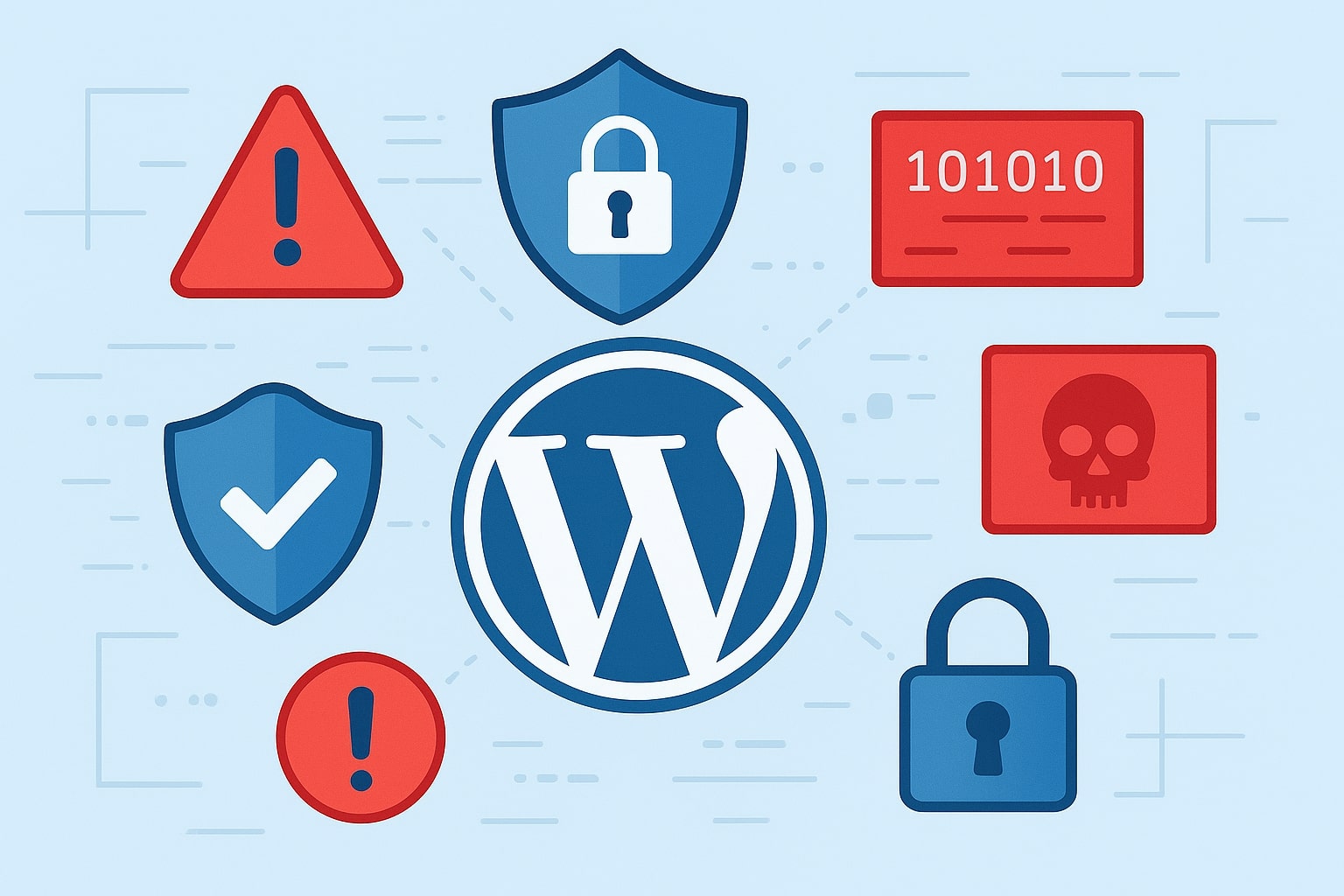
If you run a website, there’s a saying you should remember: “If the head is safe, the turban is many.” In the blogging and SEO world, this means: as long as your website is up and running, you’ll always have opportunities to grow, optimize, and attract traffic. But if your site gets hacked, you don’t just lose SEO rankings — you lose traffic, revenue, and reputation all in one blow.
And here’s the scary part:
Even if you never used a pirated theme or shady plugin, your site can still be hacked. You might see malware alerts, a Japanese keyword hack, or even get blocked by browsers for security threats.
In this article, we’ll break down the most common ways WordPress websites get hacked and give you practical, step-by-step solutions to keep your site safe — whether it’s your own or a client’s.
Table of Contents
1. Weak Passwords – The Door You Didn’t Lock
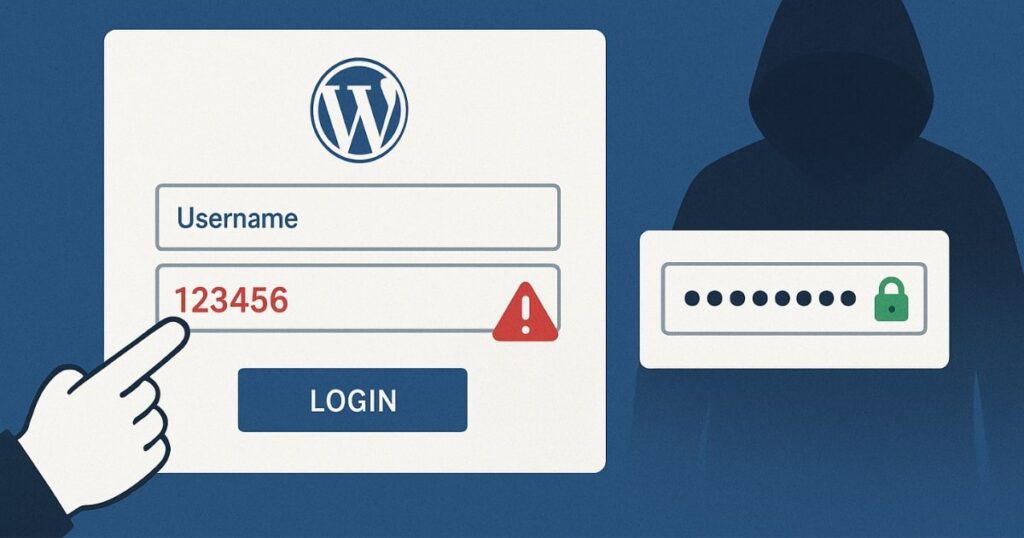
One of the easiest ways hackers gain access to a site is through weak passwords.
This doesn’t just apply to admin accounts. Even low-level accounts like authors, editors, or contributors can be a target. If these accounts use simple passwords (or reuse them across multiple sites), hackers can guess them or pull them from leaked databases. Once they have access to any account, they can launch a brute force attack to escalate privileges to an admin level.
Once inside as an admin, hackers often:
- Remove the real admin and staff accounts.
- Install malware or backdoors to regain access later.
- Change settings to hide their presence.
The solution:
- Make sure every user has a strong, unique password. Use a password manager if needed.
- Change your default WordPress login URL from
/wp-adminor/wp-login.phpto something custom. A free plugin like WPS Hide Login can handle this easily.
2. Using Pirated or Nulled Themes & Plugins
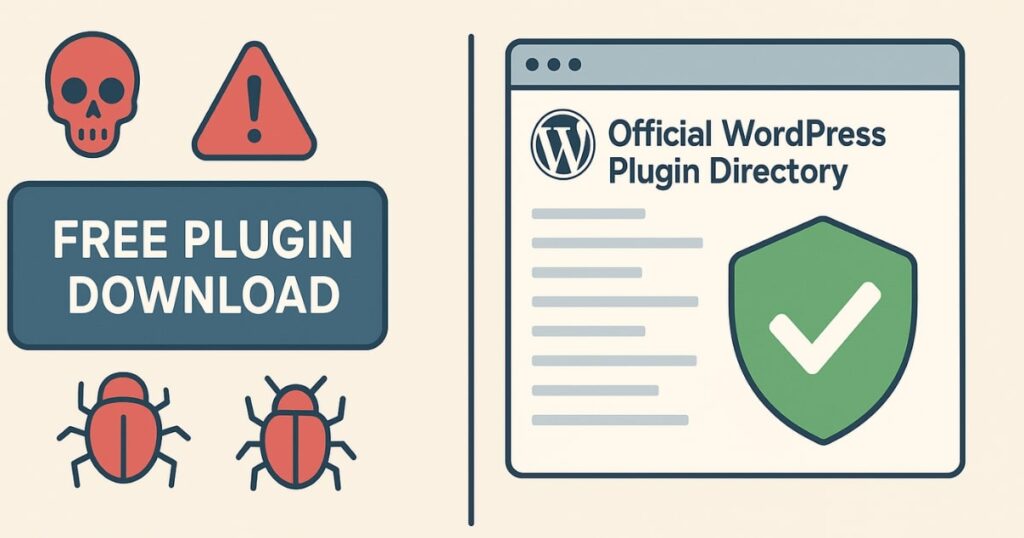
Pirated or nulled WordPress themes and plugins are like a Trojan horse. They might give you premium features for free, but they often come with pre-installed malware — sometimes 50+ malicious scripts hiding inside.
When you install these, you’re basically inviting hackers into your site yourself. And because you installed them using admin rights, most regular security plugins won’t even flag them.
Think of it as “the house catching fire from its own lamp.”
The solution:
- Only download themes and plugins from official sources like WordPress.org, ThemeForest, or the developer’s own website.
- Avoid group buys, cracked files, or “free premium” downloads.
3. Outdated Themes and Plugins – Vulnerabilities Waiting to Be Exploited
Even genuine premium themes and plugins can be hacked if you don’t keep them updated. Developers are human, and sometimes their code has vulnerabilities. Hackers actively search for these weaknesses and exploit them before updates are released.
For example:
- Some plugins accidentally open a path for SQL injection attacks through site search functions.
- Outdated code can be used as a backdoor to gain control over your site.
The solution:
- Update themes and plugins as soon as a security patch is released.
- Delete unused themes and plugins — even if they’re deactivated. The code is still on your server and can be exploited.
- Use a security monitoring tool like Patchstack to get alerts about vulnerabilities.
4. Shared Hosting – Your Neighbor’s Mistake Can Kill Your Site
Shared hosting is popular because it’s cheap. But it comes with a major risk: you’re sharing the same server with dozens (sometimes hundreds) of other websites.
If another site on your server gets hacked — especially if they’re using a nulled plugin or have poor security — the attack can spread to your site through the shared environment.
High-quality hosting companies use systems like CageFS to separate each account and prevent cross-contamination. But budget hosts often skip these protections to cut costs.
The solution:
- If possible, avoid shared hosting for business-critical sites. Use managed WordPress hosting or VPS.
- If you must use shared hosting, choose a provider that clearly states they use isolation systems like CageFS. Ask their support before buying.
5. DDoS Attacks – Overloading Your Website Until It Falls
A DDoS attack (Distributed Denial of Service) doesn’t hack your website directly — it just overwhelms it until it goes offline. Hackers use thousands of infected devices (from hacked sites, insecure routers, or even smart devices like cameras and bulbs) to flood your server with requests.
Your server tries to serve all these requests, can’t keep up, and crashes. The result?
- Traffic loss
- Revenue loss
- SEO ranking drop
- Damaged reputation
The solution:
- Use a firewall and a CDN like Cloudflare.
- Set up rules to block suspicious traffic, such as IP ranges from countries where you don’t have visitors.
- Monitor for unusual spikes in requests.
6. Phishing Attacks – Tricking You Instead of Your Site
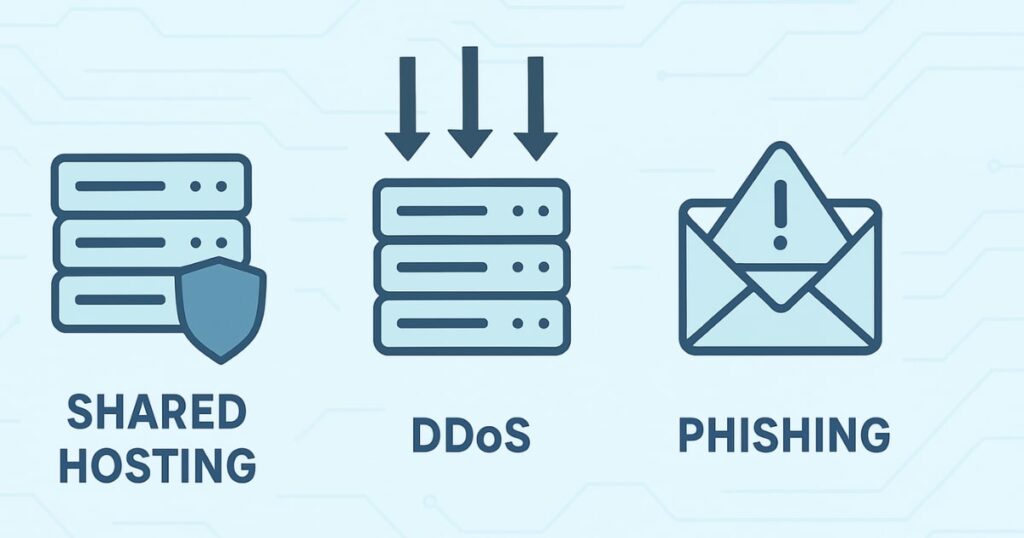
Sometimes hackers skip attacking your site directly and target you or your team instead.
A common trick: they send an email pretending to be from a well-known brand offering a lucrative sponsorship or collaboration. The email includes an attachment — usually a PDF — that contains malware.
When you open it, the malware steals your session cookies (your browser’s saved login state) and uses them to log into your accounts without needing your password. They can then change your login details, locking you out.
The solution:
- Always verify suspicious emails by checking the sender’s address.
- Ask them to resend the offer from an official company email.
- Never download files from unverified senders.
Why Small Sites Are Still Big Targets
Many site owners think: “My site is small, who would hack it?” The truth is, hackers don’t go after sites one by one — they scan the internet for vulnerable websites in bulk. If yours has weak security, it can get hit just like a large one.
A hacked site can be used to:
- Send spam emails.
- Host illegal content.
- Redirect your visitors to shady sites.
- Inject malicious ads.
Even a small blog can be valuable to a hacker.
Quick Recap: Protecting Your WordPress Site
To keep your site safe:
- Use strong, unique passwords for all users.
- Avoid nulled themes and plugins.
- Update everything promptly — and delete unused items.
- Choose secure hosting with proper account isolation.
- Use firewalls/CDNs to block DDoS attacks.
- Stay alert for phishing attempts.
Bonus Tip: Security is not a one-time task — it’s an ongoing process. Monitor your site regularly, invest in reliable hosting, and keep your guard up.
FAQs
Q1: Can WordPress be hacked even if I use premium themes and plugins?
Yes. If you don’t keep them updated, even premium products can have vulnerabilities that hackers exploit.
Q2: What is a Japanese keyword hack?
It’s when hackers insert spammy Japanese text into your site’s pages, usually to promote their own products, hurting your SEO.
Q3: Is shared hosting always insecure?
Not always — but budget shared hosting often lacks isolation measures like CageFS, increasing your risk.
Q4: How do I know if my site is under a DDoS attack?
You may see unusual traffic spikes, slower load times, or complete downtime without server errors.
Q5: Can a phishing email really hack my site?
Yes — by stealing your login session cookies, attackers can log in as you without your password.
Q6: What’s the fastest way to secure a hacked site?
Immediately change all passwords, restore a clean backup, scan for malware, and close the vulnerability that was exploited.