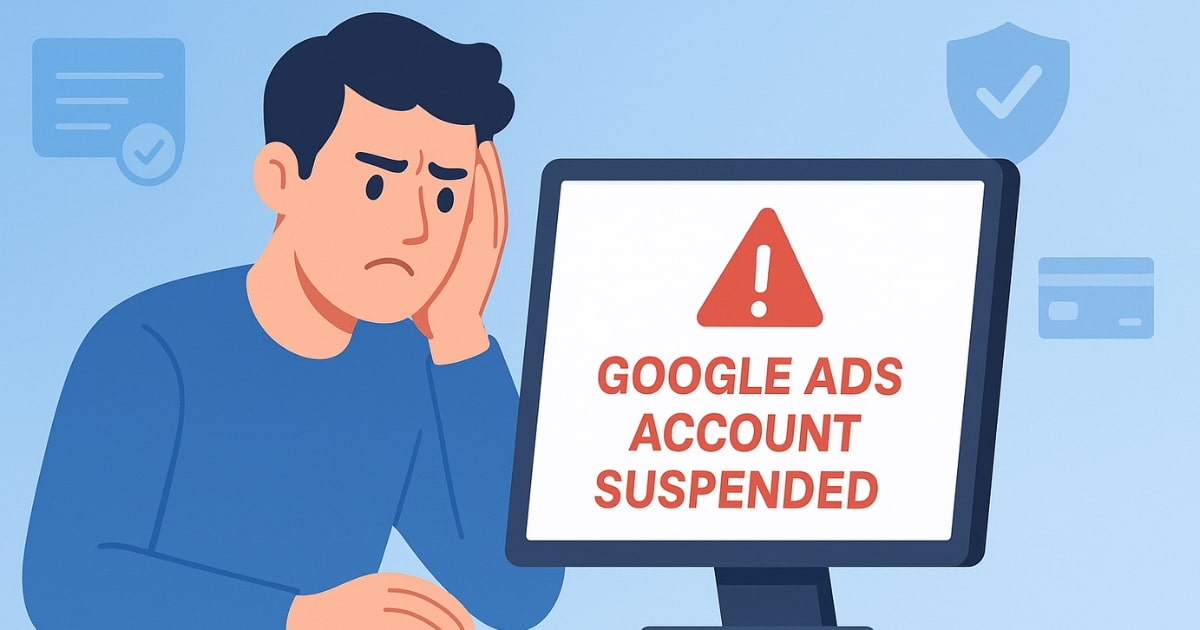
If you’ve ever had your Google Ads account suspended, you know how frustrating it feels. It’s a bit like suddenly getting a fever — you know something is wrong, but you don’t know the exact cause. Just like a good doctor won’t only give you fever medicine but will also find out why you have the fever, fixing a suspended Google Ads account isn’t just about contacting support. You need to identify the exact reason for the suspension and take the right steps to fix it.
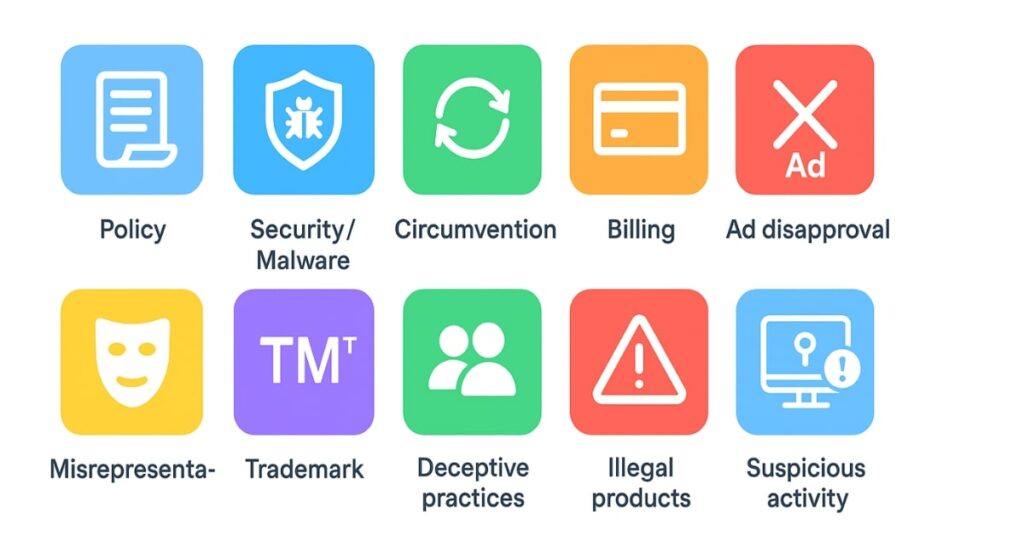
In this guide, we’ll break down the 10 most common reasons Google suspends accounts, explain what each means in plain English, and give you practical solutions. By the end, you’ll know how to avoid these mistakes and keep your account healthy.
Table of Contents
1. Policy Violations
Google has strict advertising policies for different industries. If you break them — intentionally or not — your account can be suspended.
For example, imagine you run an online pharmacy selling medicines without proper certification. Even if your products are legal in some places, Google requires proof of certification before allowing such ads.
The tricky part is that policies often change. If you’re in a regulated industry like healthcare, finance, or legal services, you must stay updated. Failing to follow local laws or missing necessary permits can instantly trigger a suspension.
Solution:
- Regularly review Google Ads policies for your industry.
- Keep certifications up to date.
- Subscribe to advertising policy updates (Google posts them monthly).
2. Malware or Security Issues
Sometimes your website itself is the problem — not because you intended harm, but because it got hacked.
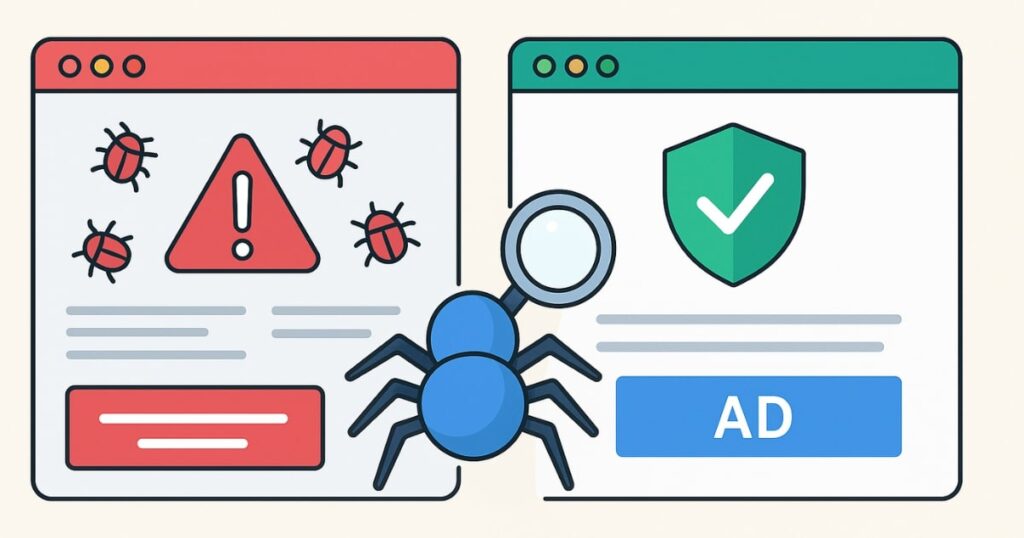
If malware is detected on your site, Google may suspend your account to protect users. Malware can come from hacking, infected plugins, or compromised hosting. Even if you’ve cleaned your site, Google’s automated system may still flag it.
Solution:
- Scan your site regularly with tools like MalCare or Sucuri.
- Remove any malicious code immediately.
- Once your site is clean, contact Google Ads support and request a manual review.
- Prevent future attacks by securing hosting, using strong passwords, and updating plugins/themes.
3. Policy Circumvention
Policy circumvention happens when advertisers try to “game” Google’s system.
Example: You create an ad campaign that gets rejected. Instead of fixing the violation, you create a new campaign with the same content or open a new account to bypass the rejection.
Google tracks these patterns and will suspend accounts that repeatedly try to sneak around the rules.
Solution:
- Always fix the root issue in your ads rather than trying to bypass review.
- Learn Google Ads rules for your niche before launching campaigns.
- Avoid “testing” Google’s system by submitting slightly altered but still non-compliant ads.
4. Billing and Payment Issues
If your payment method fails repeatedly, your account can be suspended. This might happen if:
- Your credit card is declined.
- You file a chargeback claiming a Google Ads charge was unauthorized.
Google treats chargebacks as a serious trust violation.
Solution:
- Use a valid payment method with sufficient funds.
- Avoid chargebacks unless there’s genuine fraud.
- Update billing details immediately if your bank card changes or expires.
5. Repeated Ad Disapprovals
If your ads keep getting disapproved for policy violations and you keep recreating similar ads without fixing the issues, it signals to Google that you’re ignoring the rules.
Solution:
- Treat disapproval as a learning opportunity.
- Study approved competitor ads in your industry for reference.
- Hire an experienced ad manager if you struggle with compliance.
6. Misrepresentation
Misrepresentation means presenting misleading or false information in your ads or landing pages.
This can include:
- Using another brand’s logo or name without permission.
- Making false promises (e.g., “Lose 10kg in a week!”).
Even if your intention is to show that you service a brand’s products, using their logo without clear disclaimers can cause suspension.
Solution:
- Add disclaimers: “We are not affiliated with [Brand Name].”
- Avoid exaggerated claims or guarantees.
- Be 100% transparent about your services and pricing.
7. Trademark Infringement
Using someone else’s trademark in your ads or landing page without permission can lead to suspension. This includes brand names, slogans, and logos.
Solution:
- Get written authorization from the trademark owner.
- If you have a franchise or dealership agreement, submit proof to Google.
- Remove all trademarked content if you don’t have rights to it.
8. Coordinated Deceptive Practices
This happens when multiple accounts are used together to mislead Google’s systems.
Examples include:
- Artificially lowering competitor bids.
- Running a network of accounts to manipulate auction results.
Solution:
- Manage all advertising from one legitimate account.
- Don’t participate in schemes to manipulate ad auctions.
- Ensure all partners and agencies follow ethical advertising practices.
9. Promoting Illegal Activities
If you promote illegal products or services — such as banned drugs, weapons, or human trafficking — your account will be suspended instantly.
Google also bans “surrogate ads,” which indirectly promote prohibited items.
Solution:
- Review restricted content policies before creating ads.
- Avoid even indirect promotion of prohibited products.
10. Suspicious Account Activity
Unusual login patterns can trigger suspension. If your account is accessed from multiple countries in a short time, Google may suspect hacking or account sharing.
Solution:
- Use secure, consistent login locations.
- Don’t share your account password. Instead, add users via Google Ads account permissions.
Extra Tips to Avoid Suspension
Beyond these 10 reasons, here are two bonus tips:
- Document Everything – Keep records of certifications, invoices, and ad copies. If Google asks for verification, you can respond quickly.
- Use a Pre-Launch Checklist – Before launching a campaign, review your ad copy, landing page, billing info, and compliance with policies.
Final Thoughts
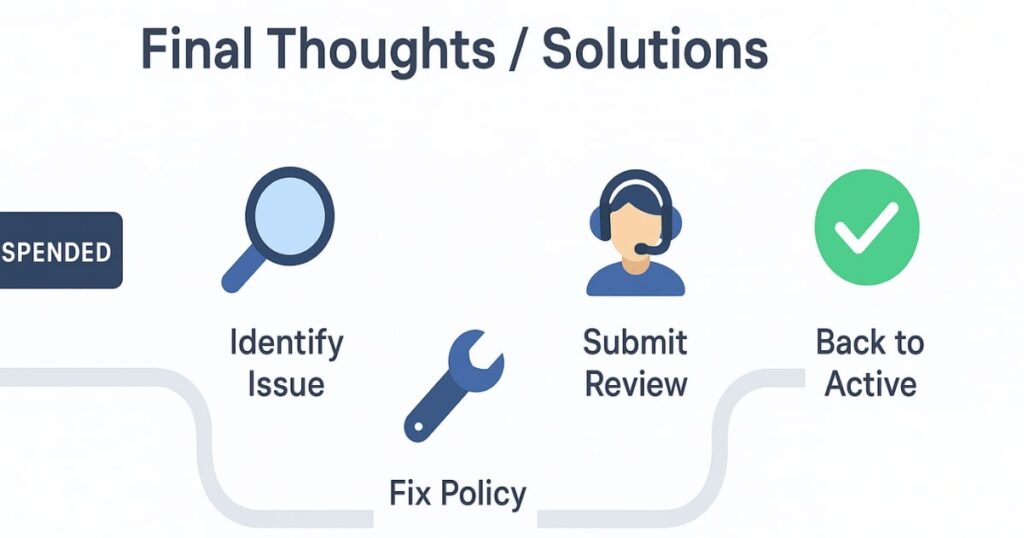
Having your Google Ads account suspended is stressful, but it’s rarely permanent if you act quickly and follow the rules. The key is to understand the exact reason for suspension, fix it completely, and avoid repeating mistakes.
Google’s policies are there to protect users, advertisers, and the integrity of the ad platform. Treat them seriously, stay updated, and you’ll not only avoid suspensions but also run more effective, trustworthy campaigns.
FAQs
1. How long does it take to recover a suspended Google Ads account?
It can take anywhere from 24 hours to a few weeks, depending on the violation and how quickly you provide the required fixes or documentation.
2. Can I create a new Google Ads account after suspension?
You can, but if the original issue isn’t resolved, the new account will likely be suspended as well.
3. Does Google always send a reason for suspension?
Yes, Google sends an email explaining the main policy violated, but the explanation may be general. You may need to dig deeper.
4. What happens if I ignore a suspension?
You won’t be able to run ads, and unresolved violations may affect future accounts linked to you.
5. Are all suspensions permanent?
No. Many suspensions are lifted once the violation is fixed and reviewed.
6. Can agencies help recover suspended accounts?
Yes, experienced agencies can identify violations faster and communicate effectively with Google’s support team.
7. Is malware detection by Google always accurate?
Not always — sometimes clean sites are mistakenly flagged. In such cases, request a manual review.