In June 2024, Google rolled out a major update to the Organization type Schema Markup — a change that could significantly benefit many websites. This new feature isn’t just for Google; it’s also used by other search engines and AI-powered assistants like ChatGPT, Claude, and Perplexity. The update allows brands to provide even more detailed and structured information about themselves, helping search engines and AI tools understand your business better.
If you’ve been working on improving your online branding, this change gives you a powerful new tool to make your brand stand out — especially if you run membership or loyalty programs.
In this article, we’ll break down:
- What this upgrade is all about
- Why it matters for SEO and branding
- How to implement the new Organization Schema
- Tips to avoid common mistakes and maximize benefits
Table of Contents
Why Google Keeps Pushing for Better Online Branding
For years, Google has been nudging website owners to focus on brand building. But when Google talks about branding, they don’t mean putting up posters or billboards. They want consistent, accurate, and complete online information about your brand — across your website and beyond.
That’s because search engines rely on structured data to understand your business details. Without clear, machine-readable data, even if you list your brand name, contact info, or founder details on your site, Google might not interpret it correctly.
This is where Organization type Schema Markup comes in.
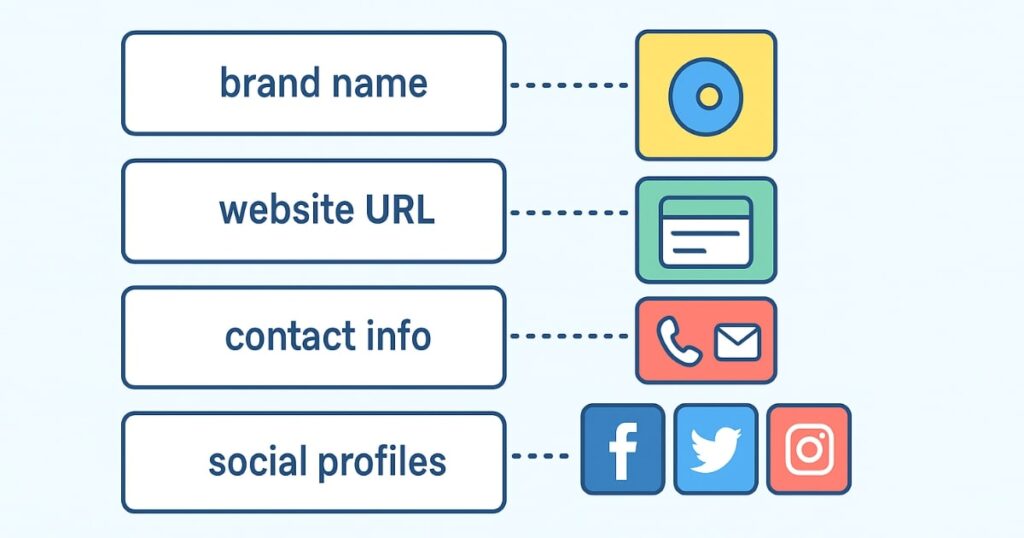
In its basic form, Organization Schema can tell Google:
- Your brand name
- Logo
- Website URL
- Contact details (email, phone, address)
- Founder or CEO
- Date established
- Social media profiles
- And more
By feeding this structured information directly into your website code, you make it easier for Google, Bing, and AI systems to accurately understand your brand.
The New Upgrade: Membership & Loyalty Program Support
Here’s where the latest update gets exciting.
Many brands have loyal customers — people who come back repeatedly to purchase from them. To keep these customers engaged, businesses often launch loyalty programs or membership plans. These can take different forms:
- Points-based systems (earn coins or credits)
- Tiered memberships like Gold, Silver, or Platinum
- Special perks for frequent buyers
Until now, there was no structured way to tell search engines about these programs. You might have mentioned them on a random web page, but Google had no specific mechanism to recognize and categorize them in your structured data.
With this upgrade, you can now add loyalty and membership program details directly to your Organization Schema. That means:
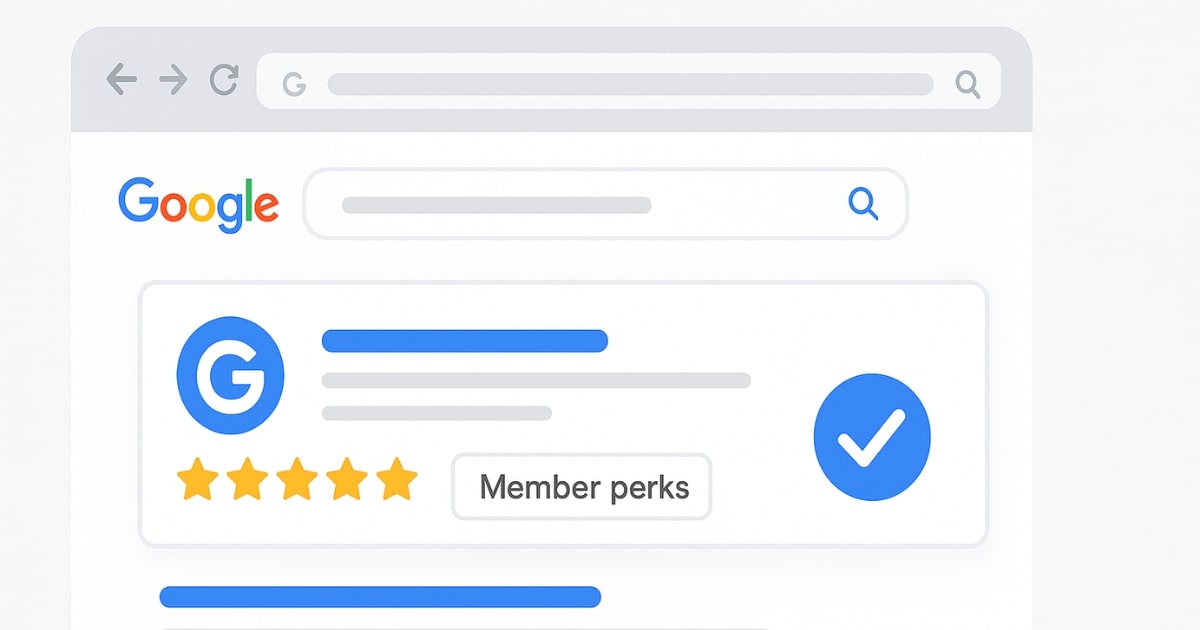
- Google can display your membership perks in search snippets
- AI assistants can compare your offers with competitors
- Customers searching online may discover your brand because of your benefits
How the New Organization Schema Works
1. Standard Organization Schema
In its normal form, Organization Schema starts with a basic structure. Here’s what it typically includes:
- @context: “https://schema.org“
- @type: “Organization”
- URL: Your home page link
- sameAs: Links to your social profiles (Twitter, Instagram, Facebook, LinkedIn, etc.)
- logo: URL of your logo image
- name: Your brand name
- description: Short summary of your business (can be 3–4 lines)
- email: Primary contact email
- telephone: Main business number
- address: Full physical address
- tax IDs or government registration numbers (optional)
This markup is best placed on:
- Home page
- About Us page
- Contact Us page
- Any other brand-specific page
Pro Tip:
Don’t paste Organization Schema on every single product page. It’s unnecessary and can dilute its value. Focus on key brand-related pages.
2. Variations for Online Stores
If your business is 100% online — for example, an e-commerce store — you can use the OnlineStore subtype instead of plain Organization.
With OnlineStore Schema, you can include:
- Customer support contact info
- Countries you serve
- Return policies (days allowed for returns, categories of items)
This variation is particularly useful for businesses selling physical products internationally.
3. The New Member Program Schema
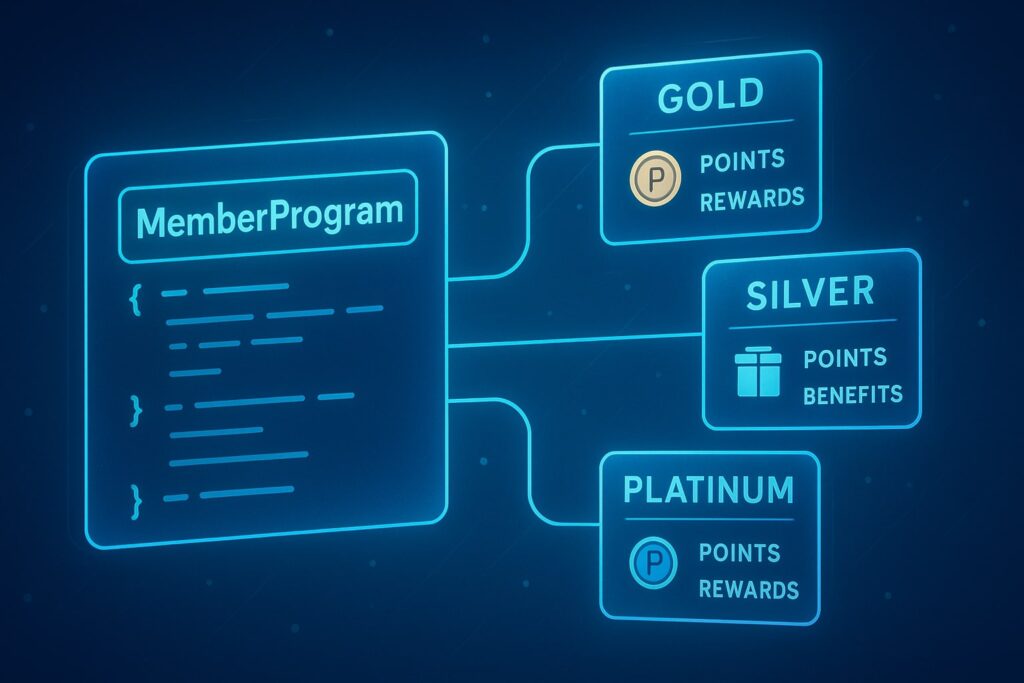
The big addition is MemberProgram — a new type you can nest inside your Organization Schema.
Key rules:
- @type must be
"MemberProgram"(you can’t rename it to “Loyalty Program” or “Membership Plan”) - name: The official name of your membership (e.g., “Membership Plus”)
- description: Short explanation of what the program offers
- url: The page on your site where full program details are given
- MemberProgramTier: If you have different levels (Gold, Silver, Starter, Pro, etc.), you can add these as sub-types
Each MemberProgramTier can include:
- Tier name (e.g., “Gold Membership”)
- URL for that tier’s details
- Benefits (e.g., “Earn 20 points per purchase”)
- Point or credit values if applicable
Why This Update Matters for SEO and Traffic
Adding MemberProgram details to your Organization Schema has two big advantages:
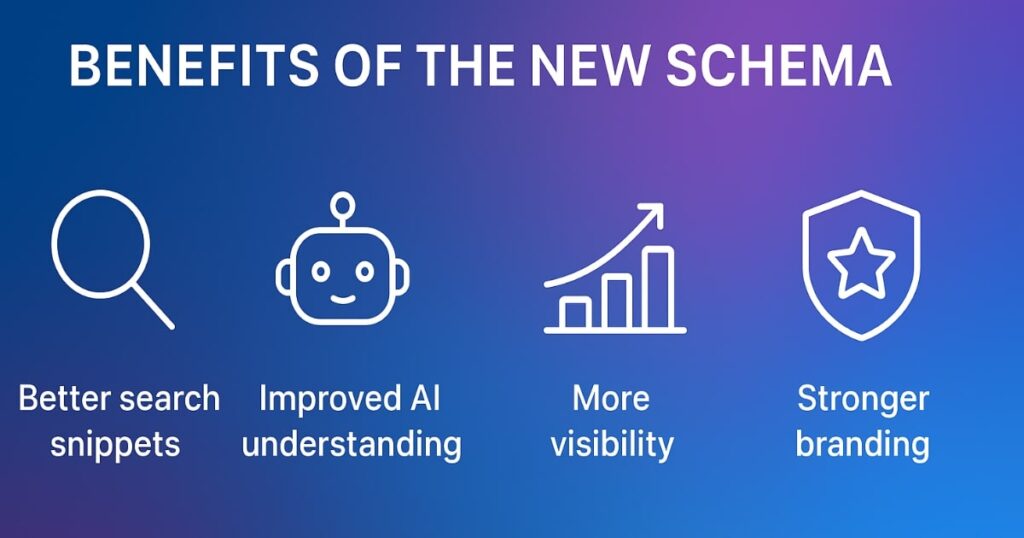
- Better Search Snippets
Your membership perks may show directly in Google’s search results, making your listing stand out. - Improved AI & Assistant Understanding
AI tools like ChatGPT, Bing Copilot, and Perplexity can use this data to recommend your brand over competitors — especially when a user asks, “Which brand has the best loyalty program for [product type]?”
In the age of AI-driven search, structured data is as important as keywords. The more relevant, accurate, and complete your schema data is, the more visibility and trust you can earn.
How to Implement the New Schema Step-by-Step
If you’re familiar with JSON-LD markup, implementing the new fields is straightforward. Here’s the process:
- Start with your existing Organization Schema.
Include your basic brand details as usual. - Add the MemberProgram object.
Nest it inside your Organization markup. - Fill in required fields:
@type: “MemberProgram”name: Membership namedescription: Short text about the programurl: Direct link to your membership page
- If applicable, add MemberProgramTier details for each membership level. Include:
- Tier name
- Tier-specific URL
- Benefit descriptions
- Points or rewards info
- Validate your schema using Google’s Rich Results Test or Schema.org Validator.
- Publish changes and monitor your search performance.
Common Mistakes to Avoid
- Putting schema on irrelevant pages — Stick to brand-focused pages.
- Leaving fields blank — More detail is always better.
- Inconsistent information — Ensure your brand name, contact info, and URLs are the same across all platforms.
- Forgetting to update — If your membership benefits change, update your schema right away.
Extra Tips for Maximizing Impact
- Create a dedicated membership program page on your site before adding schema. This gives Google a real URL to crawl.
- Promote your program in blog posts and social media, then link back to that page.
- Use clear tier names — “Gold” or “Pro” works better than vague labels like “Level 1.”
Final Thoughts
Google’s new Organization Schema upgrade may seem like a small tweak, but it’s actually a big opportunity for brands to stand out in both search results and AI-driven recommendations.
By including loyalty and membership program details in your structured data, you’re not just helping Google — you’re future-proofing your brand in an era where AI systems play a major role in customer discovery.
Remember, keywords are important, but clear, complete, and structured brand data can be just as powerful in attracting traffic, building trust, and converting visitors into loyal customers.
If you haven’t updated your Organization Schema yet, now’s the perfect time.
FAQs
1. What is Organization Schema Markup?
It’s structured code added to your website to tell search engines key details about your brand, such as name, logo, contact info, and social profiles.
2. How does the new MemberProgram Schema help SEO?
It allows Google to understand and potentially display your membership perks in search results, attracting more clicks.
3. Can I rename MemberProgram to “Loyalty Program” in schema?
No, the type must remain "MemberProgram", but you can customize the program’s name in the name field.
4. Should I add schema to every page of my site?
No, focus on core brand pages like the home page, About Us, and dedicated membership program pages.
5. How do I validate my schema markup?
Use Google’s Rich Results Test or Schema.org’s markup validator.
6. Is this update only useful for e-commerce sites?
No, any brand offering a membership or loyalty program can benefit, including service providers and content platforms.
7. Will adding schema instantly improve rankings?
Not instantly, but it can improve visibility, click-through rates, and brand trust over time.